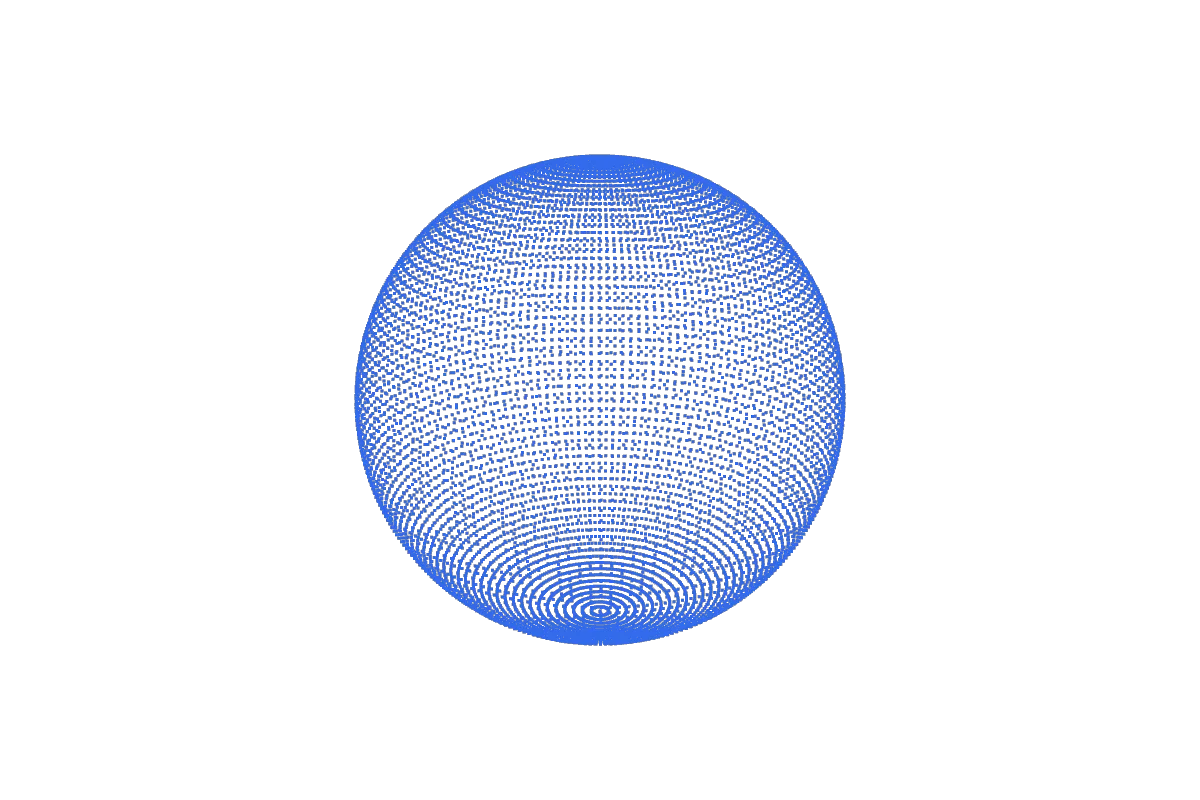
3D modeling
Building a shape on a computer by placing and connecting points (polygon modeling), sculpting digital clay, or writing exact dimensions (CAD). Best for: Characters, products, game assets, anything you want to exist digitally.
3D, explained — and in your hands
3D (three-dimensional) describes anything with three measurements: width, height and depth, on the X, Y and Z axes. On a computer, a 3D model is a set of points in that space joined into surfaces — so you can turn it, light it, animate it or 3D print it.
Rotate the shape, flatten its depth to zero to see 3D become 2D, then open, check and convert your own 3D files — free, in your browser, with nothing uploaded.
8 vertices · 12 edges · 6 faces
Do something 3D right now
Real tools, not demos. They read files on your device and work offline once the page has loaded.
The short answer
Three numbers locate any point in space. Everything else in 3D — models, printing, games, movies — builds on that idea.
Every point in 3D space has an address of three numbers, written (x, y, z). Move along X and you go side to side; along Y, forward and back; along Z, up and down. A 2D drawing only needs two numbers per point, which is why it can never show the back of an object.
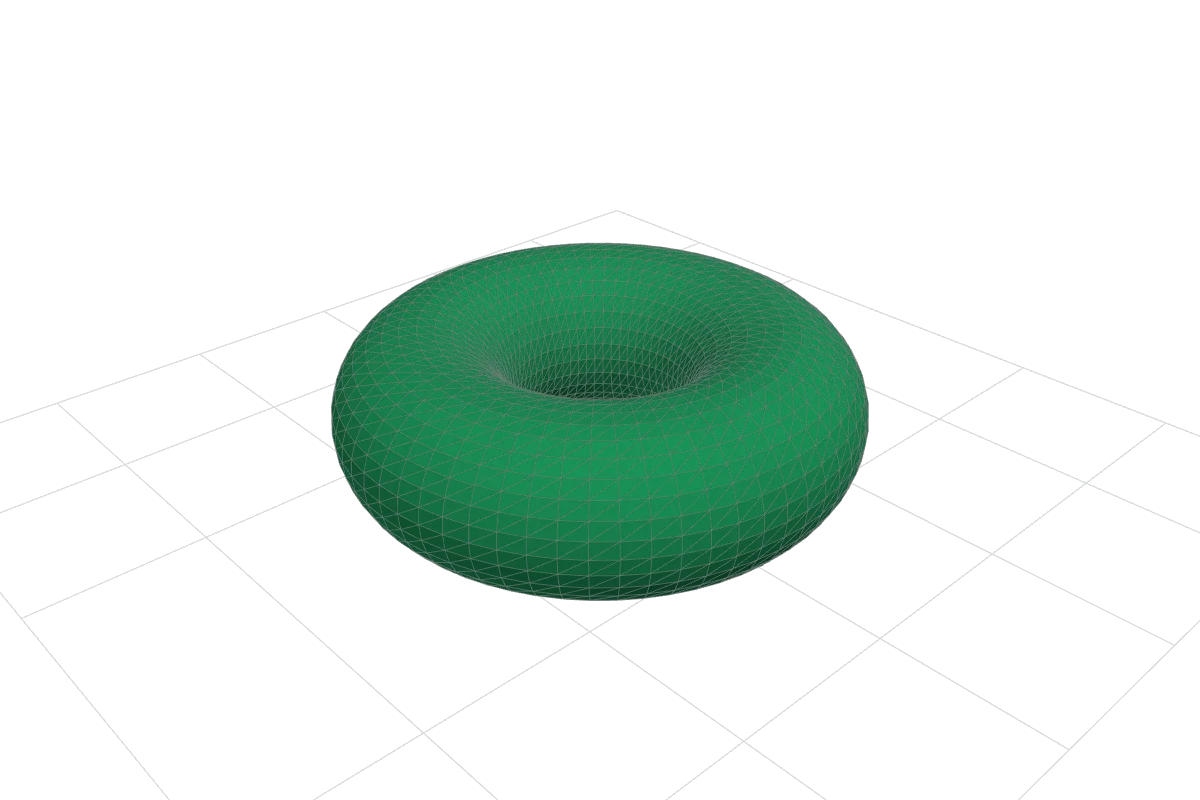
A 3D model is a list of those points joined together. Three points make a triangle; thousands of triangles make a surface that a computer can draw from any angle. The points are called vertices, the lines between them edges, and the flat pieces faces. The playground above counts them for you — a cube has 8, 12 and 6.
Turning numbers into a picture is called rendering. The computer projects each 3D point onto your 2D screen. Perspective projection makes distant things smaller, like a camera; orthographic projection keeps sizes equal, like an engineering drawing. Try the toggle above.
| Question | 2D | 3D |
|---|---|---|
| Measurements per point | 2 — (x, y) | 3 — (x, y, z) |
| Everyday example | A photo, a map, a logo | A mug, a building, a game character |
| Can you see the back? | No — one fixed viewpoint | Yes — any angle, any distance |
| Typical files | PNG, JPG, SVG, PDF | STL, OBJ, GLB/glTF, 3MF, FBX, STEP |
| Can it be manufactured? | Cut, printed or engraved flat | 3D printed, milled or moulded as a solid |
The many meanings of “3D”
“3D” means different things in a print shop, a game studio and a cinema. Here is what each one is, what it is good for, and where to start.
Building a shape on a computer by placing and connecting points (polygon modeling), sculpting digital clay, or writing exact dimensions (CAD). Best for: Characters, products, game assets, anything you want to exist digitally.
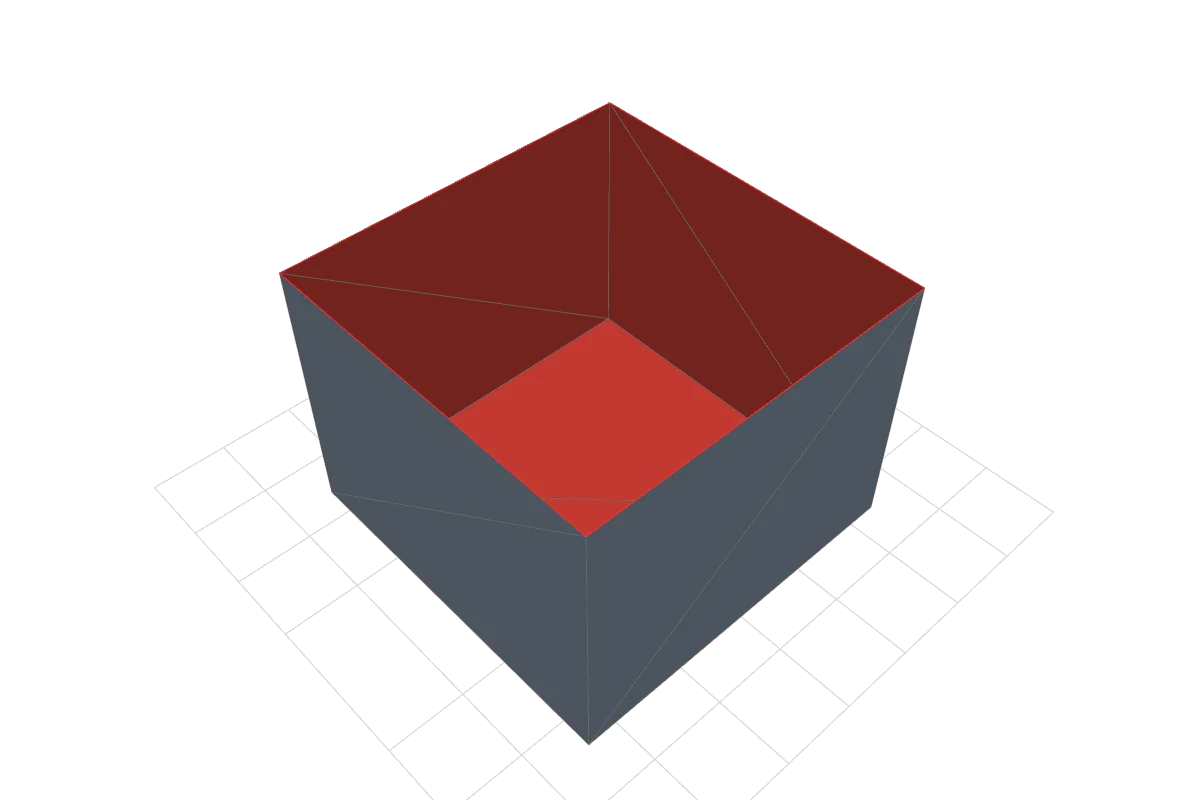
Turning a 3D model into a physical object, usually by stacking thin layers of plastic or resin. A slicer converts the model into machine instructions. Best for: Prototypes, replacement parts, custom gifts, small-batch products.
Capturing a real object as a 3D model with depth sensors, lasers or overlapping photos (photogrammetry). The raw result is usually a dense point cloud or mesh. Best for: Heritage, reverse engineering, digital twins, product photos in 3D.
Computing images from a 3D scene: light, materials and a camera. Animation changes the scene over time, frame by frame. Best for: Film and TV effects, product visualisation, architecture walk-throughs.
Rendering fast enough to respond to you — usually 30 to 120 frames per second — so you can move through or around a scene. Best for: Video games, web 3D viewers, augmented and virtual reality.
Computer-aided design: parts defined by dimensions, constraints and features you can edit later. Accuracy matters more than looks. Best for: Mechanical parts, enclosures, architecture, anything that must fit.
Showing each eye a slightly different image so your brain perceives depth — with polarised or shutter glasses, a headset, or a glasses-free lenticular screen. Best for: Cinema, VR headsets, 3D photos and some phone or monitor displays.
Saving, sharing and checking 3D geometry. Formats such as STL, OBJ, glTF and 3MF store different things, and meshes can hide holes or flipped faces. Best for: Getting a model from one program, printer or website to another intact.
Choose by goal
Start from what you want to do, not from the software. Difficulty is a rough guide for a complete beginner.
| Your goal | Kind of 3D | Usual file | Difficulty | Start here |
|---|---|---|---|---|
| Print a part I designed | 3D printing | 3MF or STL | Check it in the Studio → | |
| Show a product in 3D on a website | Real-time 3D | GLB (glTF) | Convert to GLB → | |
| Make a game or AR asset | Modeling + real-time | GLB / FBX | OBJ vs GLB → | |
| Capture a real object | 3D scanning | PLY / OBJ | Scanning guide → | |
| Design a part that must fit | CAD | STEP → 3MF/STL | CAD vs mesh → | |
| Fix a file that will not slice | Inspection | Any mesh | Find holes and flips → | |
| Teach or learn what 3D means | Geometry basics | — | The complete guide → | |
| Price a 3D print | 3D printing | — | Cost calculator → |
Measured, not guessed
The last column is our own measurement: the same 65,024-triangle sphere written to each format by the 3DA.XYZ engine and read back to confirm identical geometry.
| Format | What it stores | Units | Best for | Size, 65k-triangle sphere |
|---|---|---|---|---|
| STL | Triangles only (no colour, no units) | Assumed mm by most slicers | Simple 3D printing, maximum compatibility | 3.25 MB |
| OBJ | Mesh, optional UVs/normals + .mtl materials | None declared | Exchanging meshes between modeling apps | 2.21 MB |
| GLB / glTF | Mesh, PBR materials, textures, animation, scenes | Metres, Y up | Web, AR and real-time viewers | 781 KB |
| 3MF | Mesh, units, colours, multiple objects, print settings | Declared (usually mm) | Modern 3D printing workflows | 549 KB |
| PLY | Mesh or point cloud, per-vertex attributes | None declared | 3D scanning and research data | 1.24 MB |
3MF measured with standard ZIP deflate compression. Sizes depend on the exporting program. See the full benchmark, method and raw data →
Original · CC0 · free
A 20-tooth involute gear with a 40 mm pitch diameter and 44 mm outside diameter.…
A classic heart from a smooth parametric curve, 70 mm across, with a 1 mm cutting blade 15 mm tall and a 4 mm …
An octagonal vase that twists 90° over 120 mm. Designed for single-wall “vase mode” printing.…
An 87 mm king with a tall finial, made by revolving a smooth profile around its axis — the same way a lathe tu…
The simplest non-trivial knot, as a 5 mm tube following a (2, 3) torus knot.…
A 54 mm cube with square tunnels at two scales: 400 of the 729 small cubes remain. A fractal whose surface are…
Sharper peaks from the same noise with a stronger exponent — seed 21.…
Six fins leaning 20° to 70° from vertical on one base strip, so a single print shows the steepest overhang you…
43 lessons · 4 tracks · quizzes
3D stands for three-dimensional: having width, height and depth. Mathematicians call the three directions X, Y and Z. Anything you can walk around — a cup, a building, you — is 3D. A photo or a drawing on paper is 2D: it has width and height but no real depth.
A 2D image stores a flat picture from one viewpoint. A 3D model stores the shape itself, as points in space, so you can look at it from any angle, measure it, light it differently or print it. See the side-by-side comparison.
Three perpendicular directions used to give every point an address. In 3D printing and CAD, X and Y usually lie flat on the build plate and Z points up. Many games and the glTF format use Y as up instead, which is why models sometimes import lying on their side.
A digital description of a shape. Most models are meshes: a list of points (vertices) joined into small flat triangles (faces). CAD models instead store exact surfaces and the steps used to build them.
Use the 3DA.XYZ Studio. It opens STL, OBJ, PLY, OFF, GLB, glTF and 3MF directly in your browser, and the file is read on your device rather than uploaded. Free slicers such as PrusaSlicer, UltiMaker Cura and OrcaSlicer also open STL and 3MF files.
For a first model in the browser, Tinkercad is a common starting point. Blender is free, open-source and covers modeling, sculpting, animation and rendering. FreeCAD is a free, open-source choice for dimensioned engineering parts. Pick by goal: art and animation → Blender; exact parts → a CAD tool.
No. Modeling creates the digital shape; printing manufactures it. You can model without ever printing (games, film), and you can print models made by others. In between sits a slicer, which turns the model into layer-by-layer printer instructions.
Depth on a flat screen is an illusion created by showing each eye a slightly different image. The glasses (polarised in most cinemas, battery-powered shutters on some TVs) make sure each eye sees only its own image. VR headsets do the same with a separate screen region per eye.
Every render, model and measurement on this page is original 3DA.XYZ work. How we make and check them →