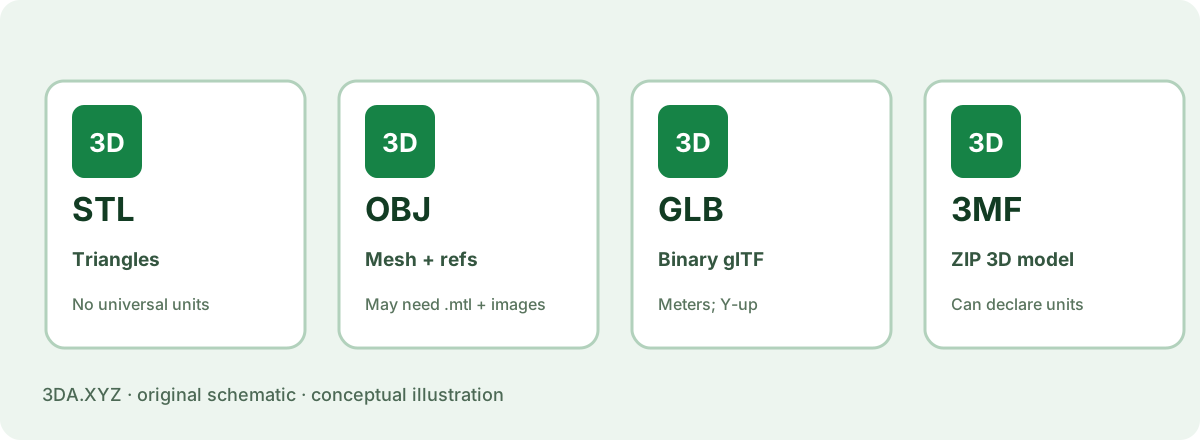
Units and physical size
The classic STL representation stores triangle coordinates, but has no universal built-in unit declaration. If one application exports a cube with coordinate extent 20 and another interprets that number as inches, the intended size is lost.
3MF core models can declare a unit such as millimeter, inch or meter. In the 3DA sample packages, the 3MF model root explicitly declares millimeter, while the same OBJ/STL reference coordinates are explained as millimeters by convention. The final size should still be checked after importing.
Packaging and scope
Binary STL is usually a straightforward geometry container. 3MF is a package made from ZIP parts, relationships and structured 3D model XML. A core 3MF can contain one or more objects and builds; optional extensions add other kinds of data.
Not every slicer implements every 3MF extension. Some applications also use proprietary project metadata within 3MF-style containers. It is important to distinguish what the published core standard supports from what a particular program will actually preserve.
Which should you use?
Choose 3MF where both sides of the workflow understand it and you want explicit physical units or richer project context. Keep STL as a familiar geometry-only interchange option when compatibility matters more than extra metadata.
If either format looks different after opening in the destination app, compare bounding-box dimensions and mesh triangles with the original source rather than trusting an extension or icon.
Worked example
Our 20 × 30 × 40 mm reference block has matching triangle geometry in both files; its 3MF explicitly declares millimeters. Download both and verify the importer displays the same intended extents.
Important limitation
3MF does not make an invalid shape valid. It can preserve more context while still containing defective geometry.
Practical checklist
- Does your slicer accept core 3MF?
- Are the units preserved?
- Does the imported model keep its dimensions?
- Do optional extensions matter for your job?
Common questions
Is 3MF automatically better than STL?
It carries more structured information, but the right choice depends on the applications and features involved.
Can an STL have color?
Some nonstandard extensions exist, but color is not portable or consistent in standard STL interchange.
Primary references
External specifications provide format or process context; the examples and calculations here are original 3DA explanations.
Measured difference
In our benchmark, a 65,024-triangle sphere was 3.25 MB as binary STL and 0.55 MB as standard compressed 3MF — about 6× smaller — with identical geometry when read back. 3MF also records that the numbers are millimetres, supports multiple objects and colours, and can carry slicer settings.
When STL still makes sense
Older software, some online services and simple workflows still expect STL. It is universally readable. If you send STL, write the intended unit in the file name, such as bracket_mm.stl.